Professional
One column, Charter
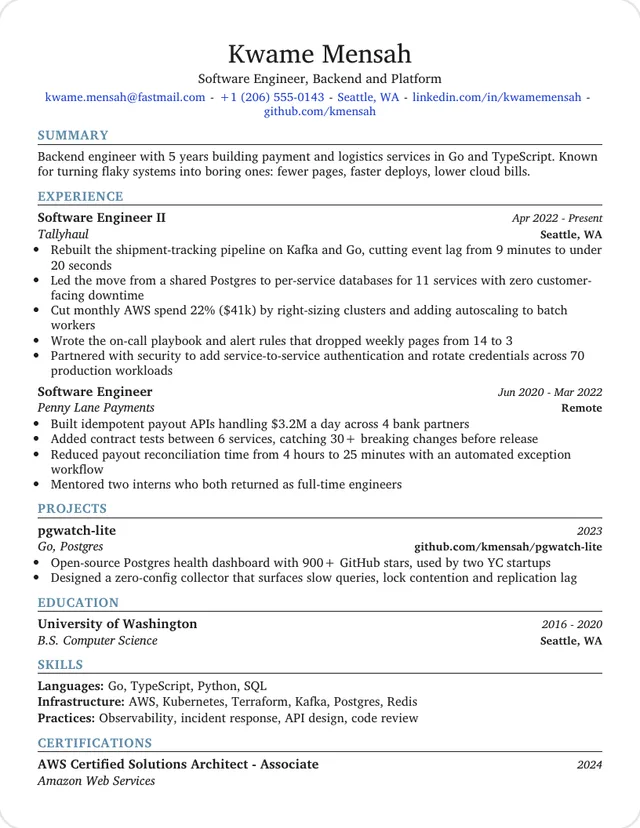
For engineering and technical roles. Charter body text, steel-blue capital headings and each job title on its own line.
Use this template: ProfessionalThese six templates keep to what most hiring managers expect: one column, clear headings and restrained color. Each preview shows a sample from a different kind of job, so start with the one closest to yours.
One column, Charter
For engineering and technical roles. Charter body text, steel-blue capital headings and each job title on its own line.
Use this template: ProfessionalOne column, Computer Modern
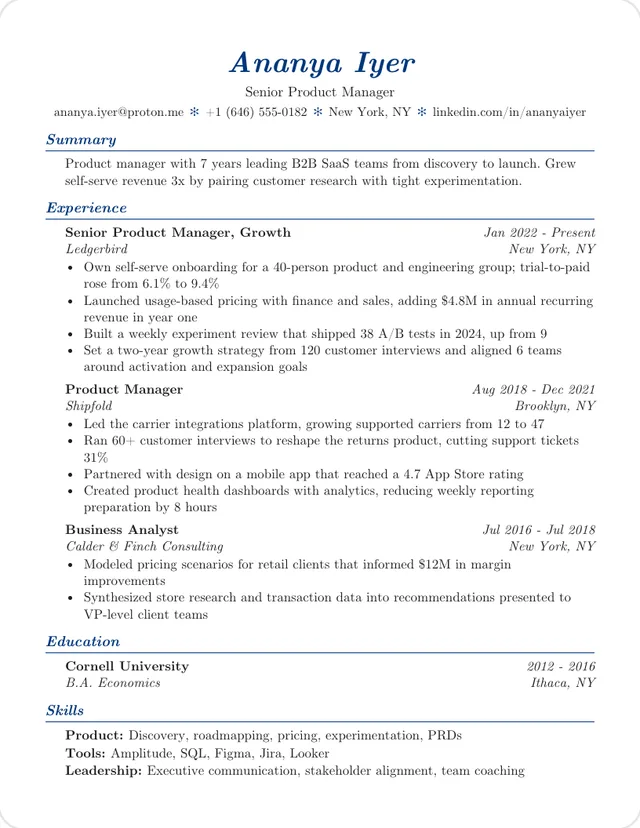
For management and product roles. Serif type with navy italic headings and indented entries.
Use this template: ElegantOne column, Helvetica
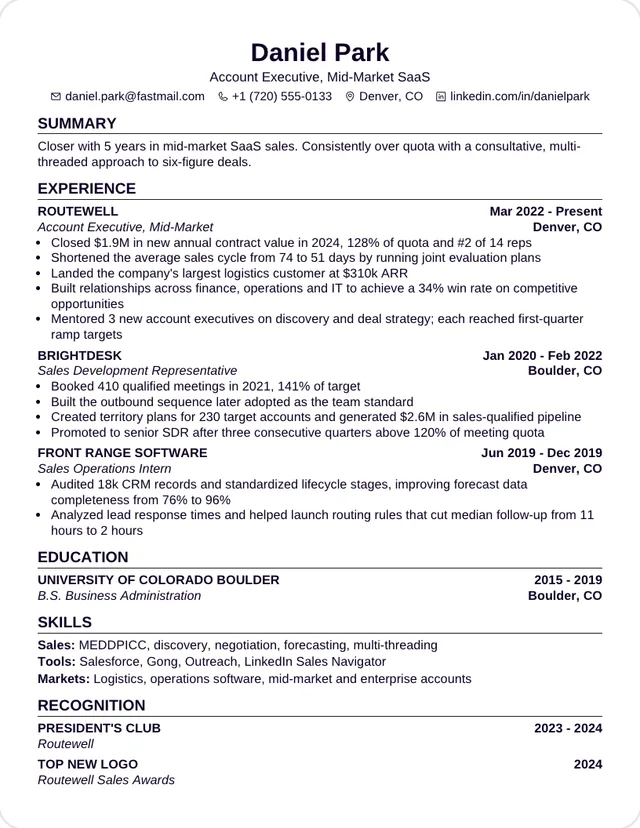
For sales and business roles. Dense Helvetica with employers in capitals and bold dates, from a business-school format.
Use this template: GraduateOne column, Helvetica
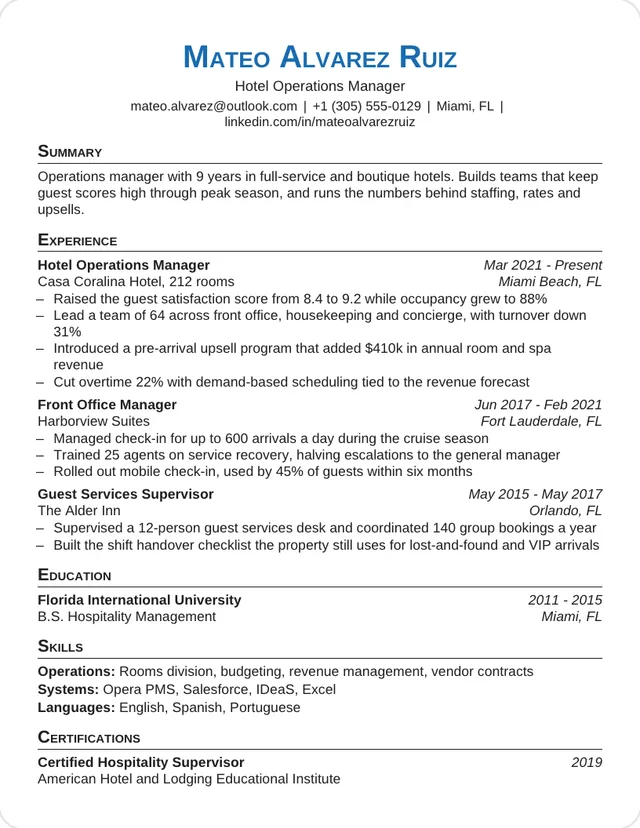
For operations and hospitality. Helvetica with a blue small-caps name, shown with a hotel manager's resume.
Use this template: OrestOne column, Lato
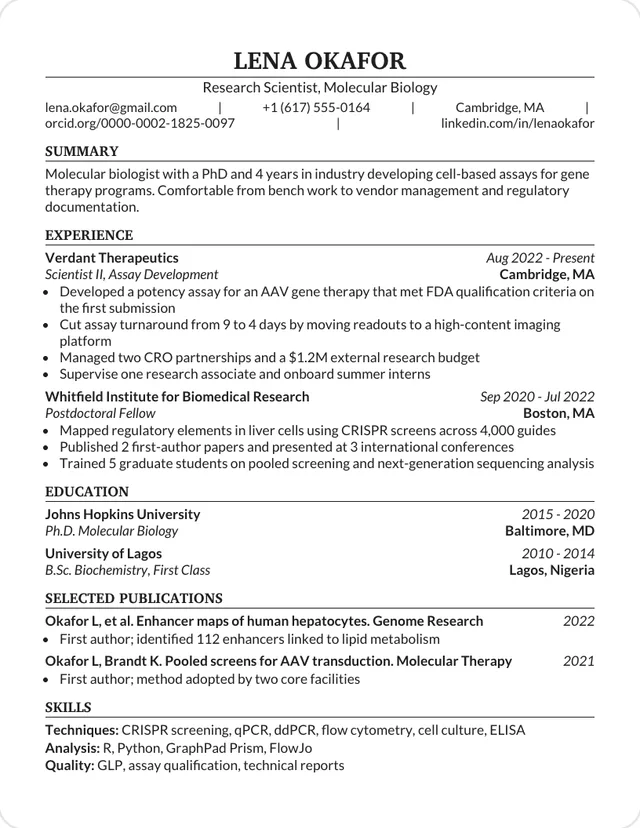
For science and research hiring. Modeled on a template recommended by recruiters Scismic, with room for publications.
Use this template: BiotechOne column, Lato
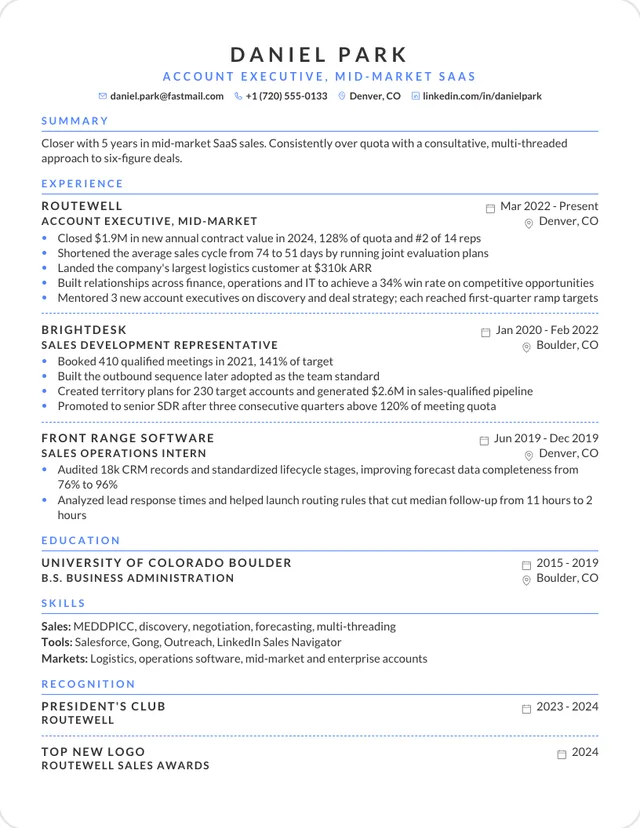
For client-facing roles. Letter-spaced capitals, blue rules and dashed lines between jobs. Those capitals failed our ATS check, so send this one to a person.
Use this template: Elegant SpacedEither one looks professional, and software reads both the same way. Serif type such as Charter or Computer Modern tends to feel traditional. Sans-serif type such as Helvetica or Lato tends to feel current. Match what's normal where you're applying.
| Template | Typeface | Starting size | Margins |
|---|---|---|---|
| Professional | Charter | 10.5pt | 0.5 in |
| Elegant | Computer Modern | 10.5pt | 0.6 in |
| Graduate | Helvetica | 10pt | 0.5 in |
| Orest | Helvetica | 10pt | 0.5 in |
| Biotech | Lato | 10.5pt | 0.6 in |
| Elegant Spaced | Lato | 10pt | 0.55 in |
Follow the posting's file instructions first. If it doesn't give any, a text-based PDF is a safe default, as PDF or Word explains. Name the file with your name, such as Firstname-Lastname-Resume.pdf, because people see the file name even though software doesn't care.
Each design is modeled on a CV template shared on Overleaf and rebuilt in HTML. The sample text is our own.