Jake
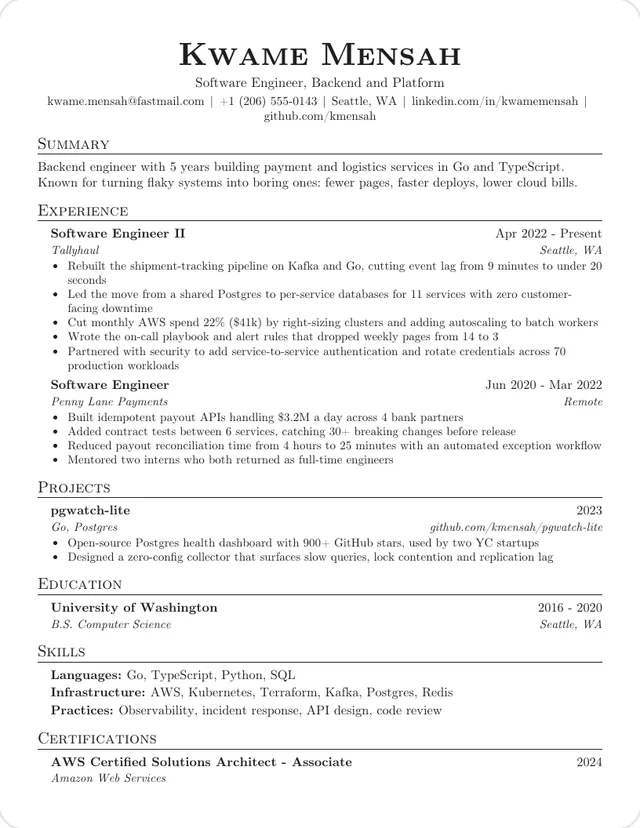
One column, Computer Modern
Small-caps headings over thin rules, with dates flush right. The plainest starting point, and this builder's default.
Use this template: JakeThese eight templates use one column, a plain type hierarchy and little or no color, with no photos or skill bars. They differ mostly in typeface and how tightly they set the text, so start with those.
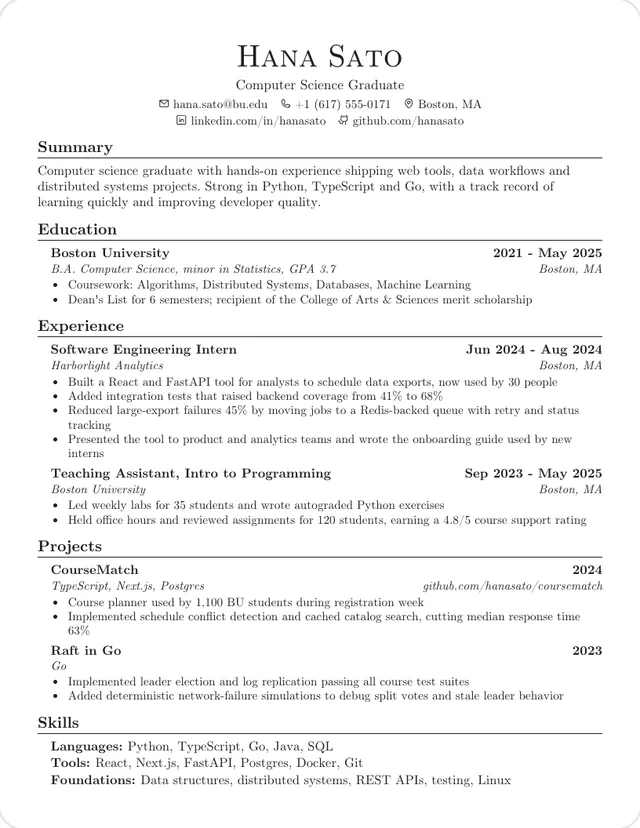
One column, Computer Modern
Small-caps headings over thin rules, with dates flush right. The plainest starting point, and this builder's default.
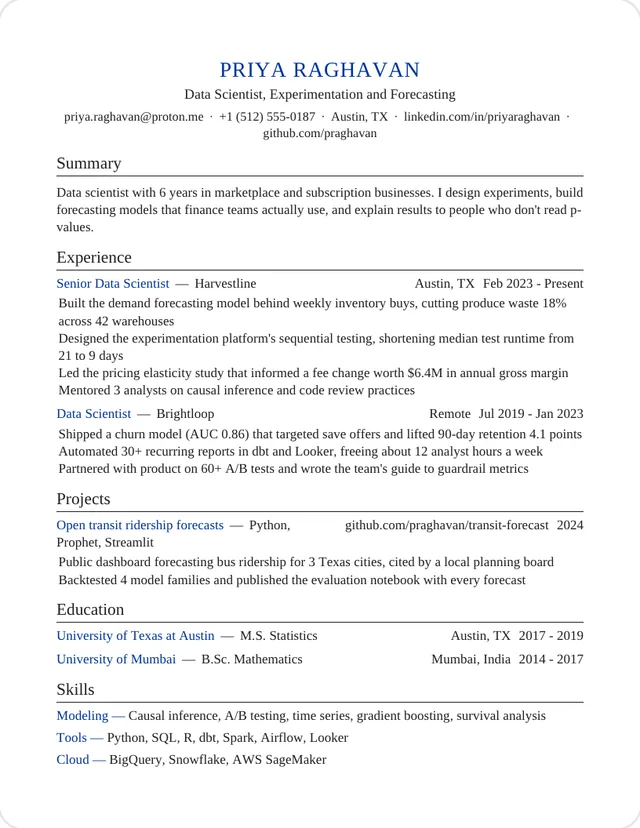
Use this template: JakeOne column, Times
A blue name and blue labels are the only color. Entries have no bullet markers.
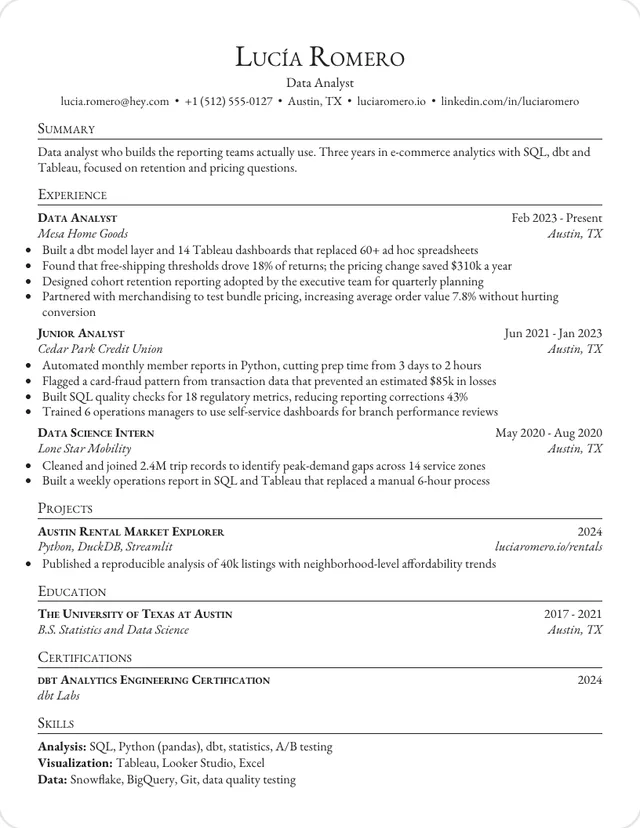
Use this template: MinimalOne column, Garamond
Jake's structure in Garamond, a softer book typeface, with small-caps names and headings.
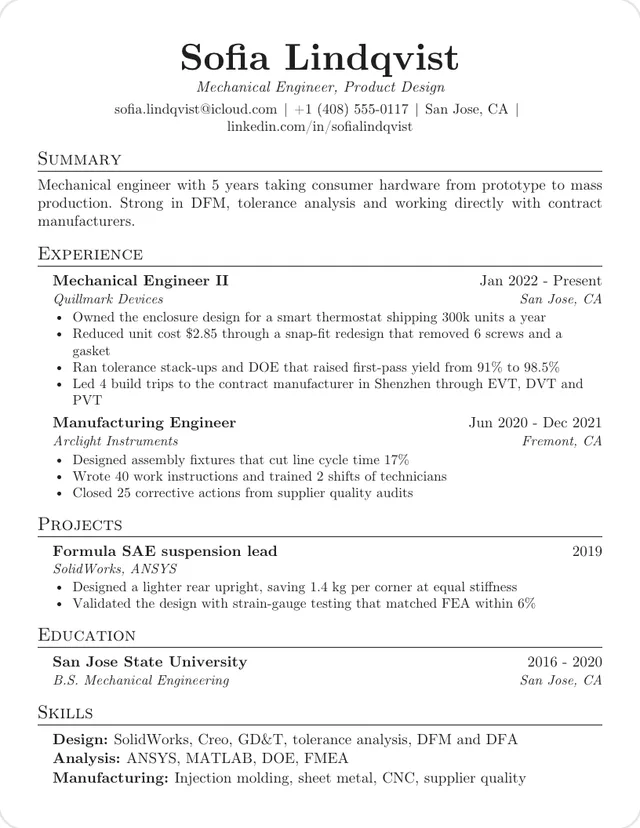
Use this template: GaramondOne column, Computer Modern
Adds an italic job title under your name and a justified summary paragraph.
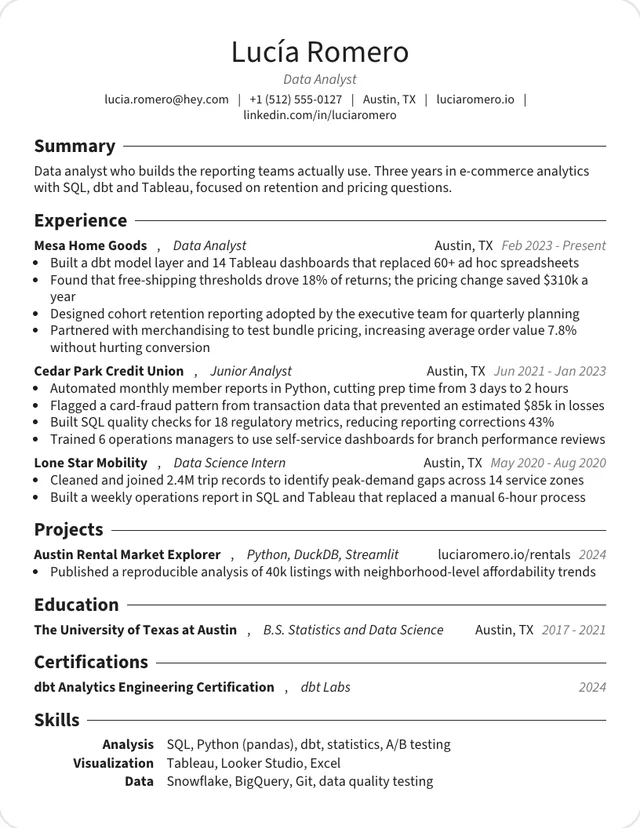
Use this template: Tech EngineerOne column, Source Sans
Source Sans with one-line entries, and the densest of the group.
Use this template: GenericOne column, Helvetica
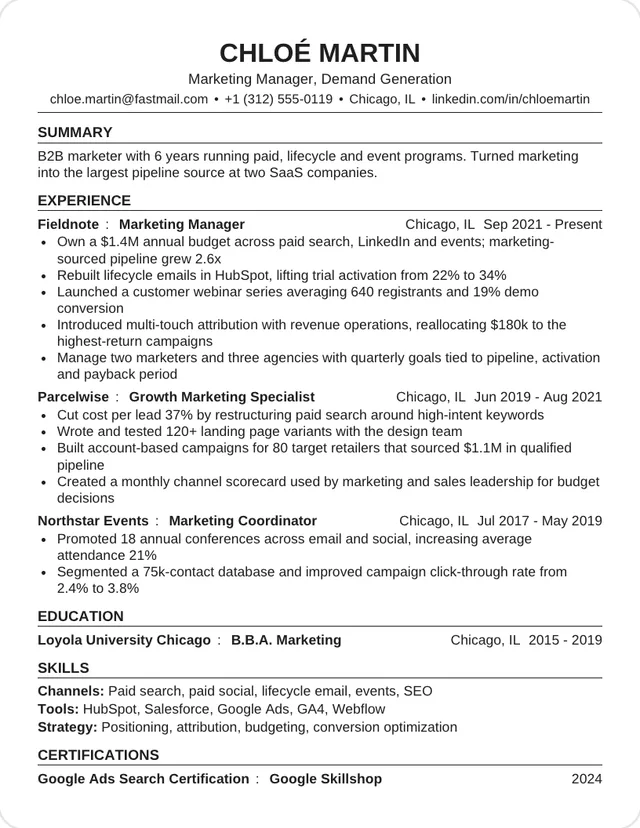
Helvetica with bold capital headings and a ruled capital name, from a university career-office format.
Use this template: CampusOne column, Lato
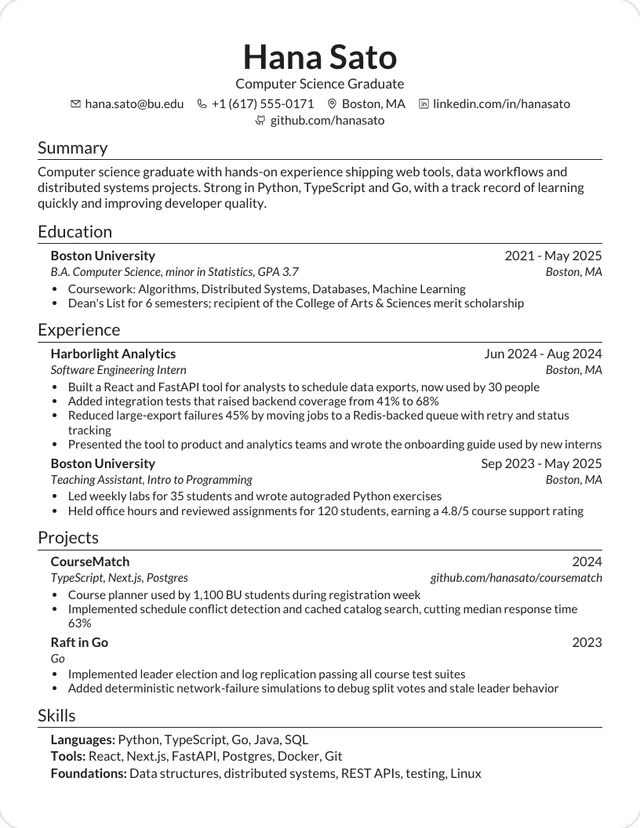
Lato, with small icons beside the contact details and the company leading each role.
Use this template: SWEOne column, Computer Modern
Computer Modern with bold sentence-case headings and two centered lines of icon contacts.
Use this template: JVWith the layout this plain, the typeface does most of the work. Computer Modern reads like an academic paper, Garamond and Times like a book, and Lato, Source Sans and Helvetica like clean modern documents. Our resume fonts guide compares more options.
| Template | Typeface | Starting size | Margins |
|---|---|---|---|
| Jake | Computer Modern | 10.5pt | 0.5 in |
| Minimal | Times | 11pt | 0.75 in |
| Garamond | Garamond | 11pt | 0.5 in |
| Tech Engineer | Computer Modern | 10.5pt | 0.5 in |
| Generic | Source Sans | 9.5pt | 0.45 in |
| Campus | Helvetica | 10pt | 0.5 in |
| SWE | Lato | 10.5pt | 0.5 in |
| JV | Computer Modern | 10.5pt | 0.5 in |
A plain page puts more weight on your words. Lead each bullet with what changed because of your work, and use a number where you have one.
Each design is modeled on a CV template shared on Overleaf and rebuilt in HTML. The sample text is our own.