Generic
One column, Source Sans
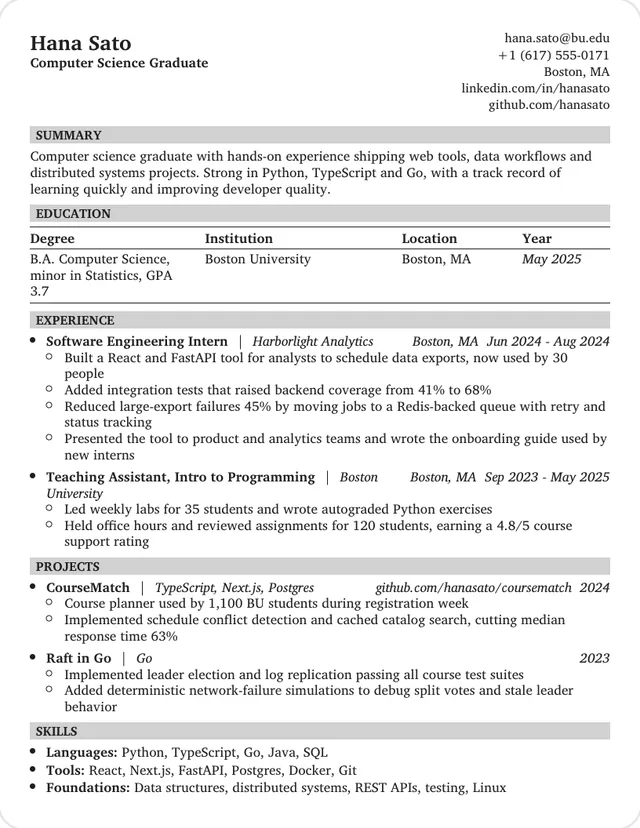
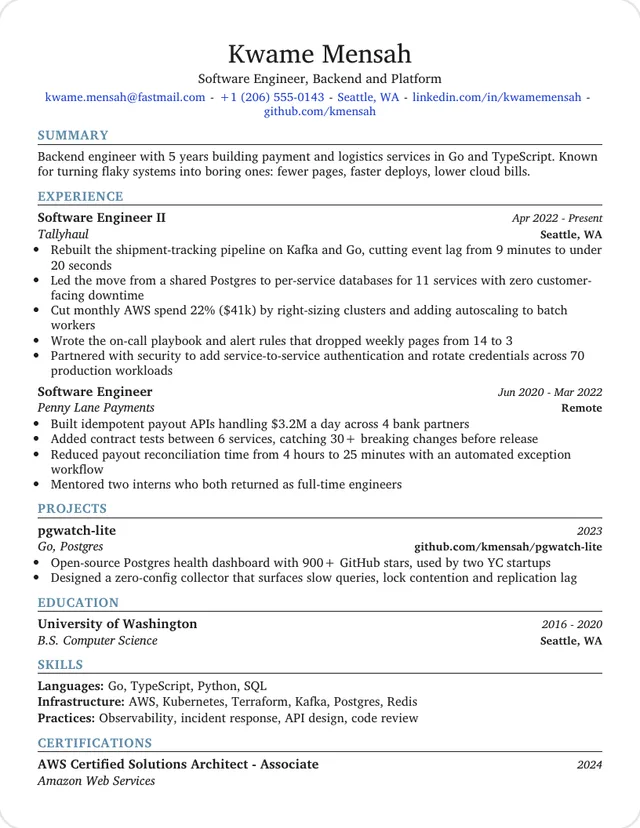
Reached 13pt. One-line entries and narrow margins leave the most space, which suits several jobs or a long skills list.
Use this template: GenericEvery template here is one page, the only length this builder makes. The text size adjusts as you type, so what really differs is how much each one holds. To compare them, we set the same 274-word sample resume in each and noted the type size it reached. A bigger number means more room to spare.
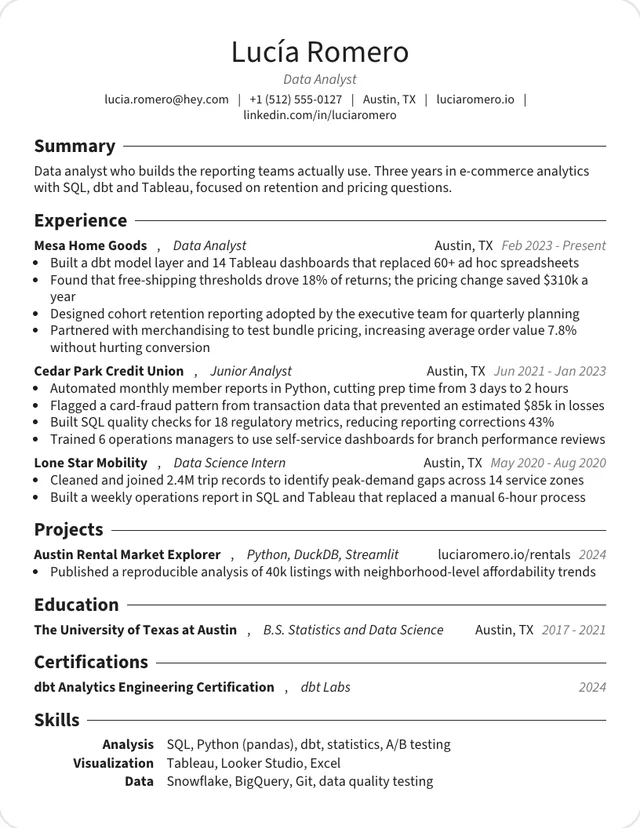
One column, Source Sans
Reached 13pt. One-line entries and narrow margins leave the most space, which suits several jobs or a long skills list.
Use this template: GenericOne column, Charter
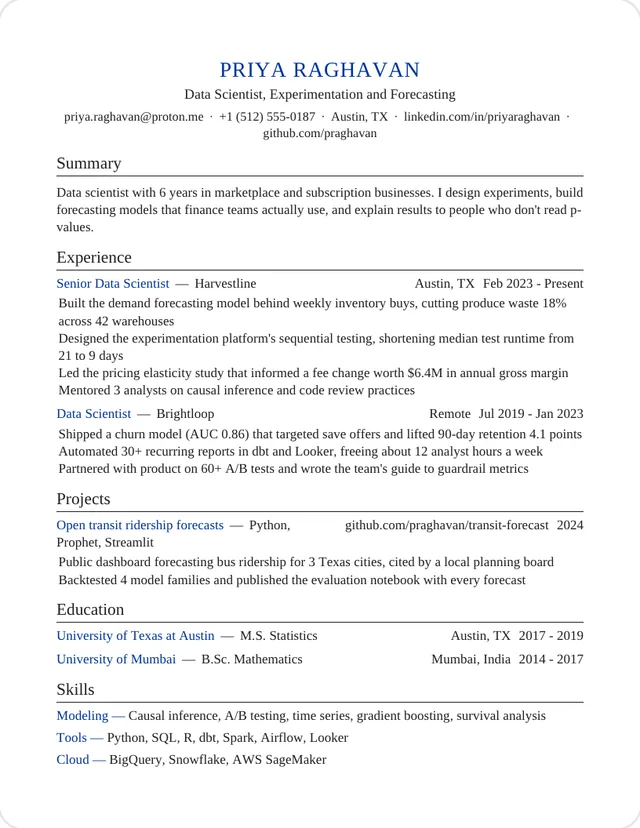
Reached 13pt. Tight margins and one-line entries, with education in a results table.
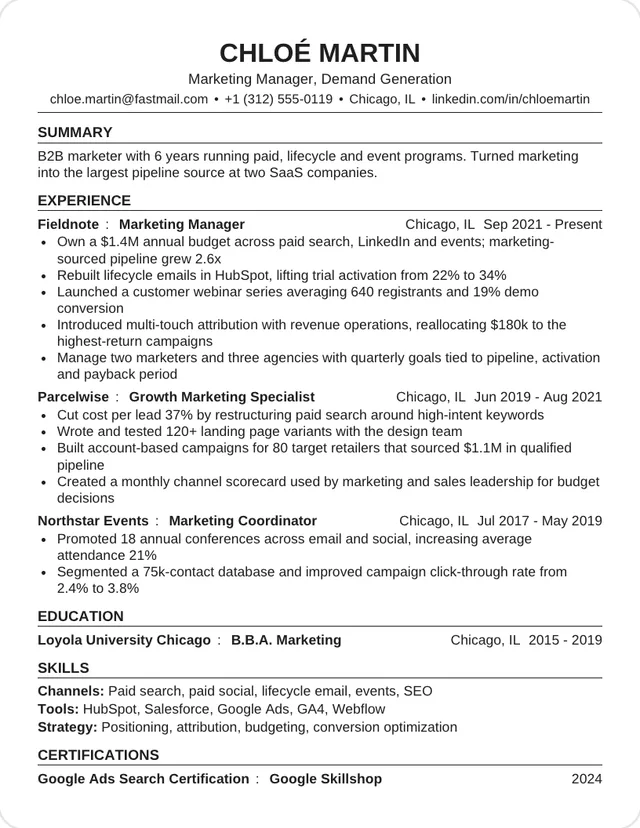
Use this template: InstituteOne column, Helvetica
Reached 12.8pt. Helvetica with one line per role keeps a long history readable.
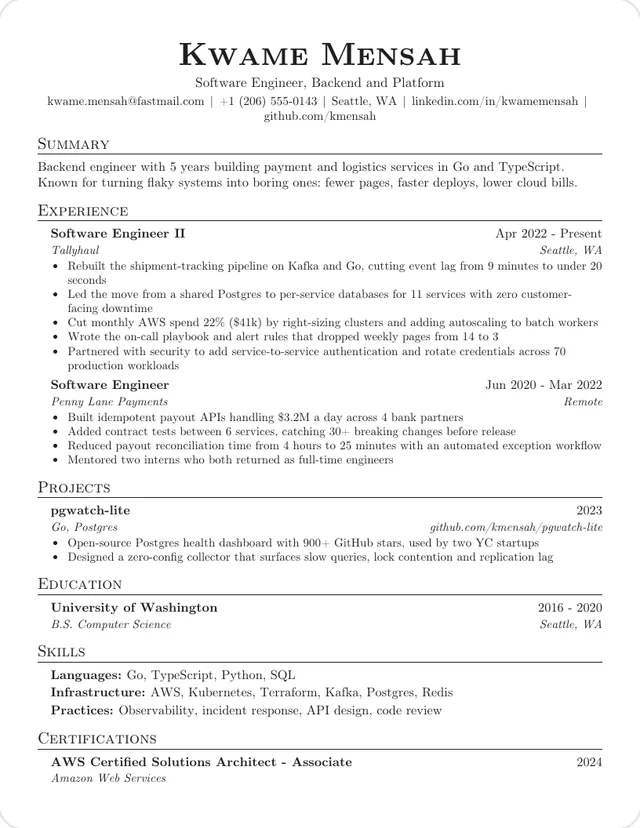
Use this template: CampusOne column, Computer Modern
Reached 12.3pt, a comfortable size, with half-inch margins.
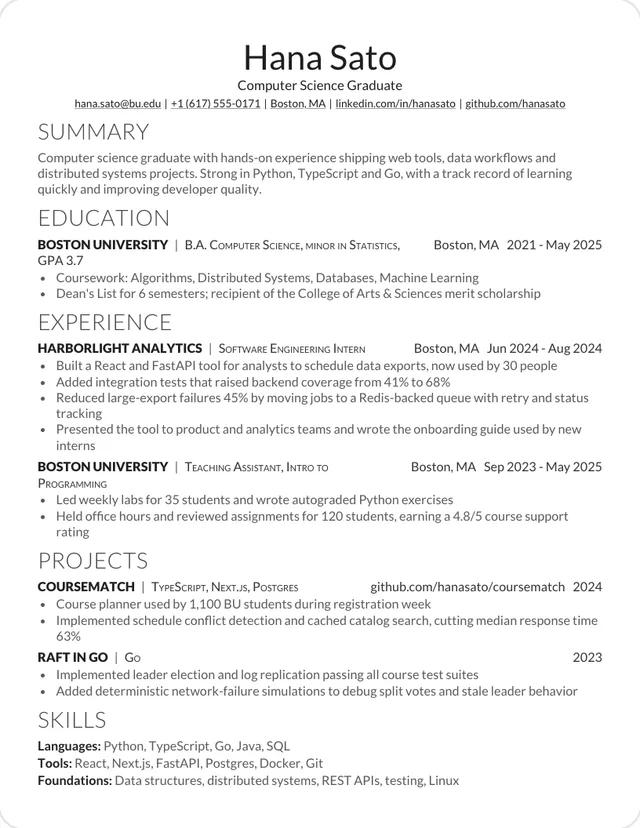
Use this template: JakeOne column, Lato
Reached 12.2pt. With no rules between sections, the page feels lighter than it is.
Use this template: Modern DeedyOne column, Charter
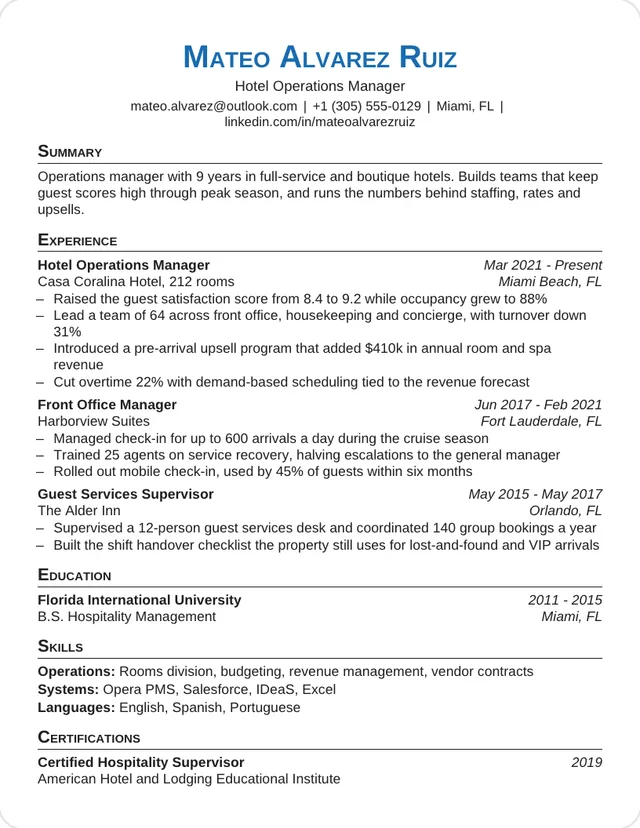
Reached 12pt, with colored capital headings to break up the page.
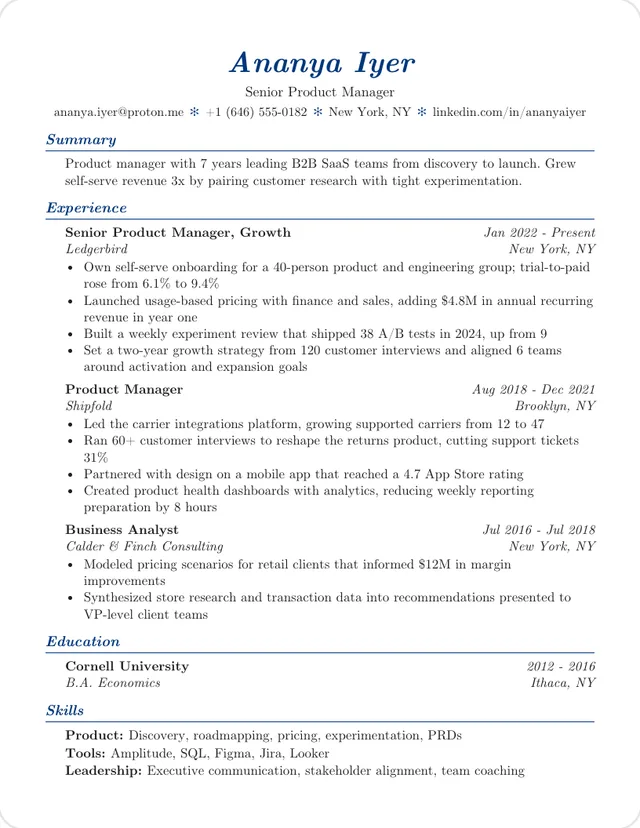
Use this template: ProfessionalOne column, Times
Reached 11.9pt, even with wider 0.75-inch margins.
Use this template: MinimalOne column, Helvetica
Reached 11.8pt. Job title and employer take separate lines, which costs a little space.
Use this template: OrestThese look their best with less to say. A long resume in one of these sets in smaller type than the same words in a template above.
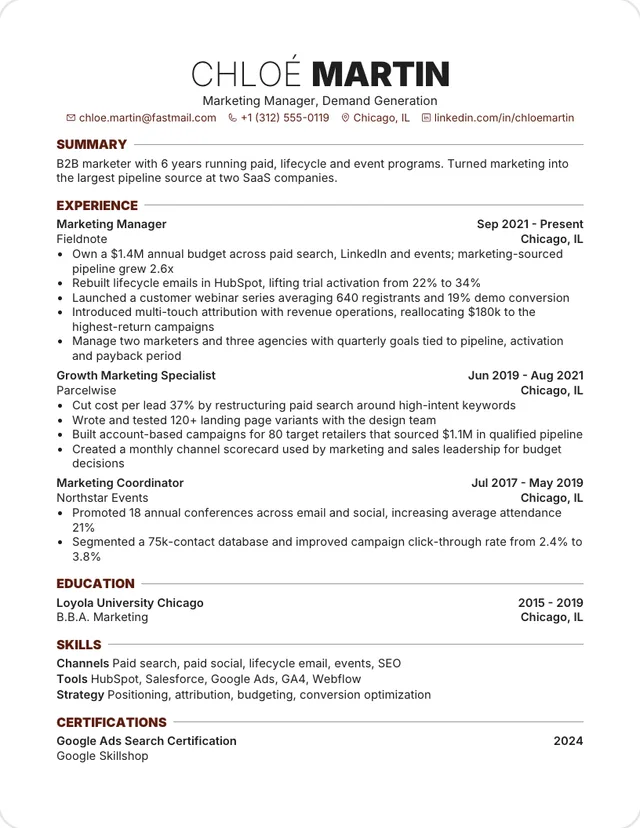
One column, Plex Sans
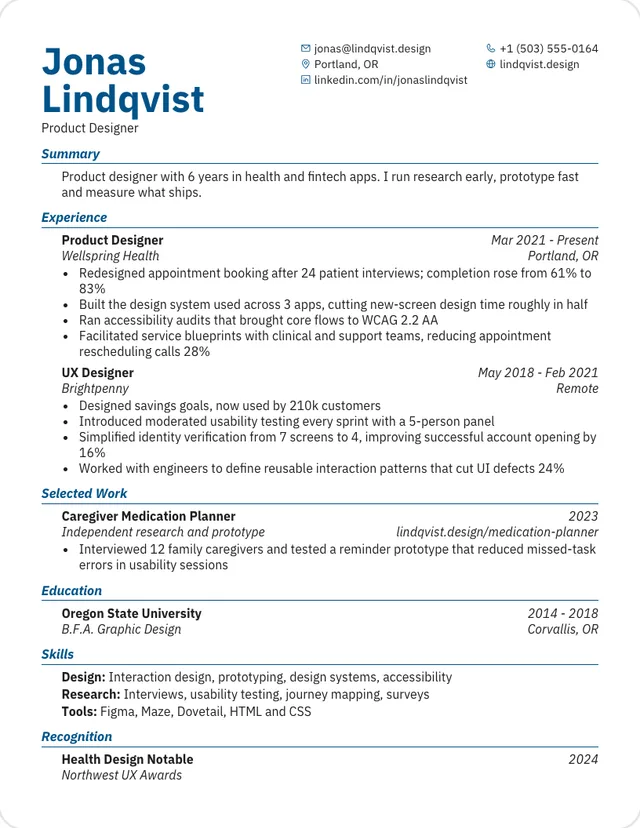
Reached 11.1pt. The big two-line name takes space at the top.
Use this template: KyvernetesOne column, Computer Modern
Reached 11.1pt. Indented entries narrow every line of text.
Use this template: ElegantOne column, Inter
Reached 10.8pt. Wide 0.75-inch margins and a large name use up room.
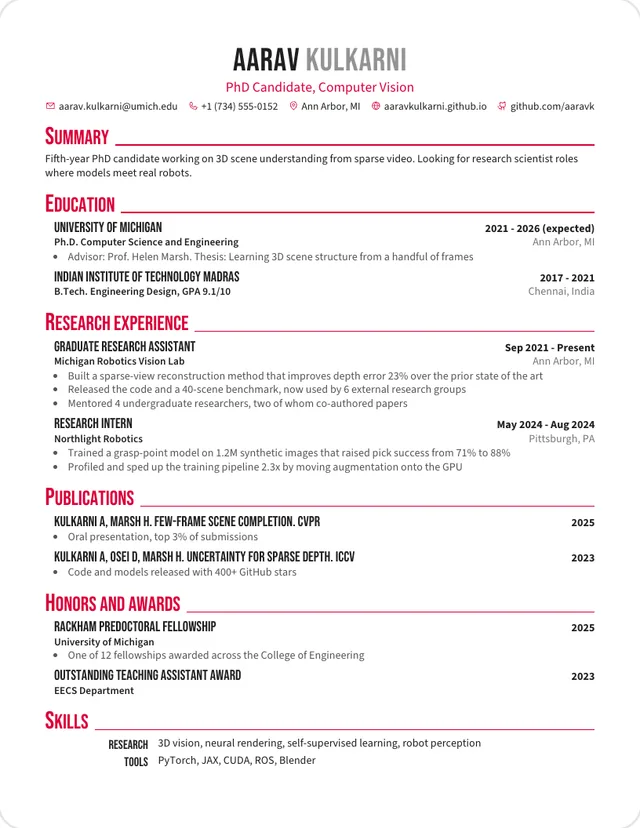
Use this template: RoverOne column, Source Sans
Reached 10.6pt, the smallest we measured. Large condensed headings need the space.
Use this template: CrimsonSizes in this list are for our sample, and different typefaces look bigger or smaller at the same point size. Garamond, for one, reached 12.5pt but reads smaller than Helvetica at that size. Treat the numbers as a comparison, not a promise for your own text.
One page suits students, new graduates and most people with under about seven years of relevant experience. Two pages is normal later in a career, and federal resumes have their own limit. This builder won't make those longer versions, so if you need two pages, use a different tool. How long a resume should be goes through it by career stage.
Each design is modeled on a CV template shared on Overleaf and rebuilt in HTML. The sample text is our own.